
The wedding plan you build at your desk should still be the plan your team works from at the venue.

I photograph weddings and I built EventSync. If you’re planning your own wedding, it’s the tool I’d tell you to use.
Build the timeline while you’re booking
I’d start the timeline while you’re still booking vendors. Put your budget, guest list, vendor details, and schedule in Workspace while the decisions are fresh. If you want a first look, get it onto the timeline now. You’ll see how much time you’re asking the photographer and venue to make room for while there’s still time to do something about it.
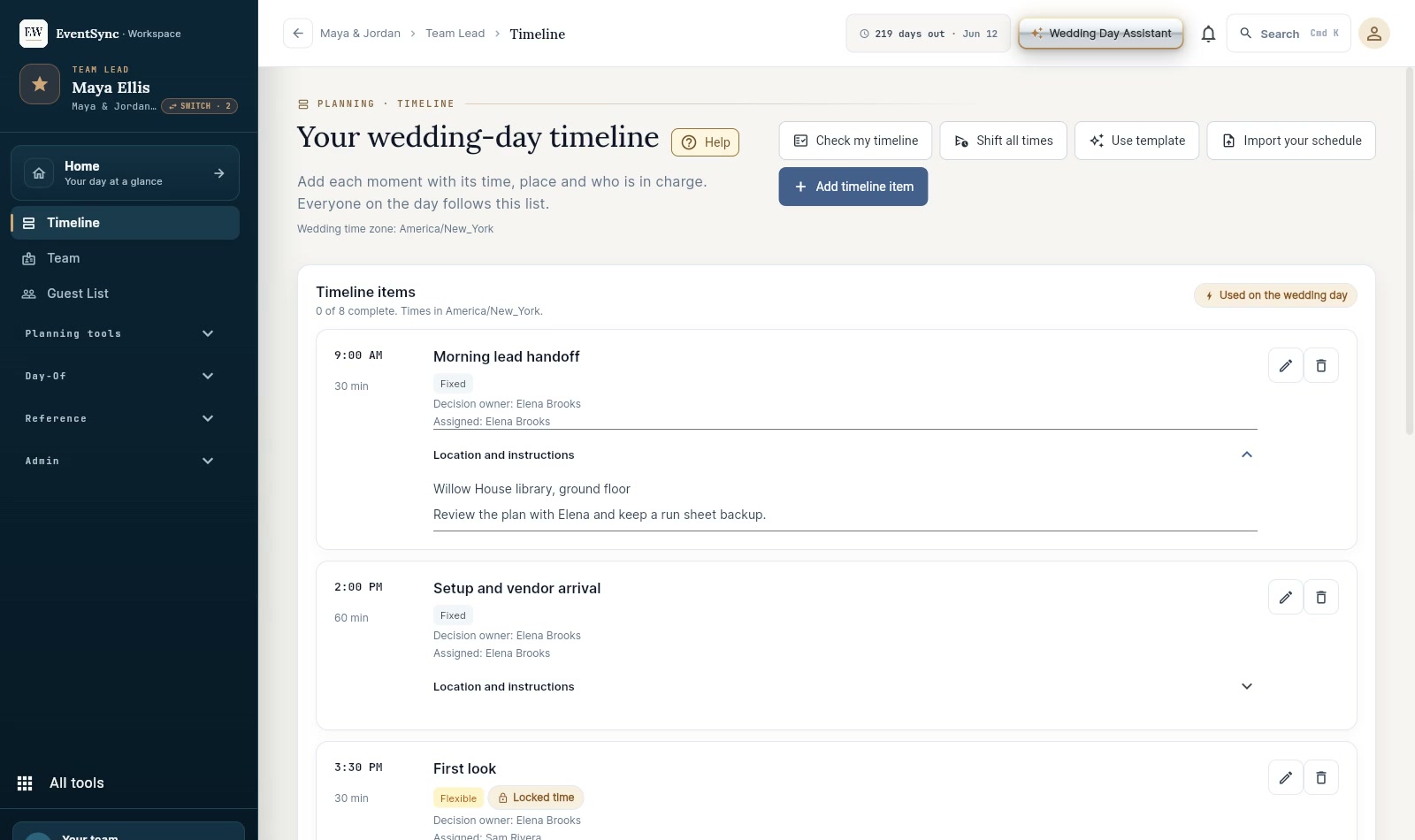
Use the Wedding Day Assistant while you’re making decisions
Say you’ve booked the photographer and you’re still waiting on the venue’s access time. Ask the Wedding Day Assistant what you can settle now and what you need the venue to confirm. It works from the wedding details you’ve already saved. You go into that call knowing which answer you need, and you have somewhere to put it when you get it. That’s how I’d use the Assistant all the way through planning. Give it the part you’re working on and get to the next decision faster.
Here’s one I care about as a photographer. If the schedule says family photos at four, put the name of the person gathering your family right there. I can set up the shot and tell you where I want everyone. Your cousin can spot the aunt I’ve never met and get her over before she disappears into cocktail hour. Work that out while you’re making the plan. By the time I’m standing there with a camera, we should already know who has that job.
Give your lead a wedding they can run
Before the wedding, pick the person who’ll run the day and walk through the plan with them. They can open the same wedding on their phone and see the live run sheet. If the ceremony runs long, the Wedding Day Assistant can help them work through which timings are affected and what they need to confirm. The person in charge makes the call and tells the team what’s changing.
Open your plan and ask one real question
An experienced planner can run the day with the $49.99 Wedding Pass. For couples doing their own planning, I’d get the $99.99 Wedding Day Assistant Pass. It covers one wedding, includes the day-of tools, and gives you help with the decisions you’re making long before anybody gets to the venue.
Start with the question that’s holding up your next decision. Planning is free in Workspace, and eligible accounts can try the Assistant there.